No, seriously.
For weeks, random parts of the office would suddenly go dark.
People kept walking into meeting rooms only to find a bunch of designers and engineers staring at glowing phone screens in complete silence.
To anyone passing by, it probably looked like we were either:
- summoning something,
- watching a horror movie,
- or having a very dramatic power outage.
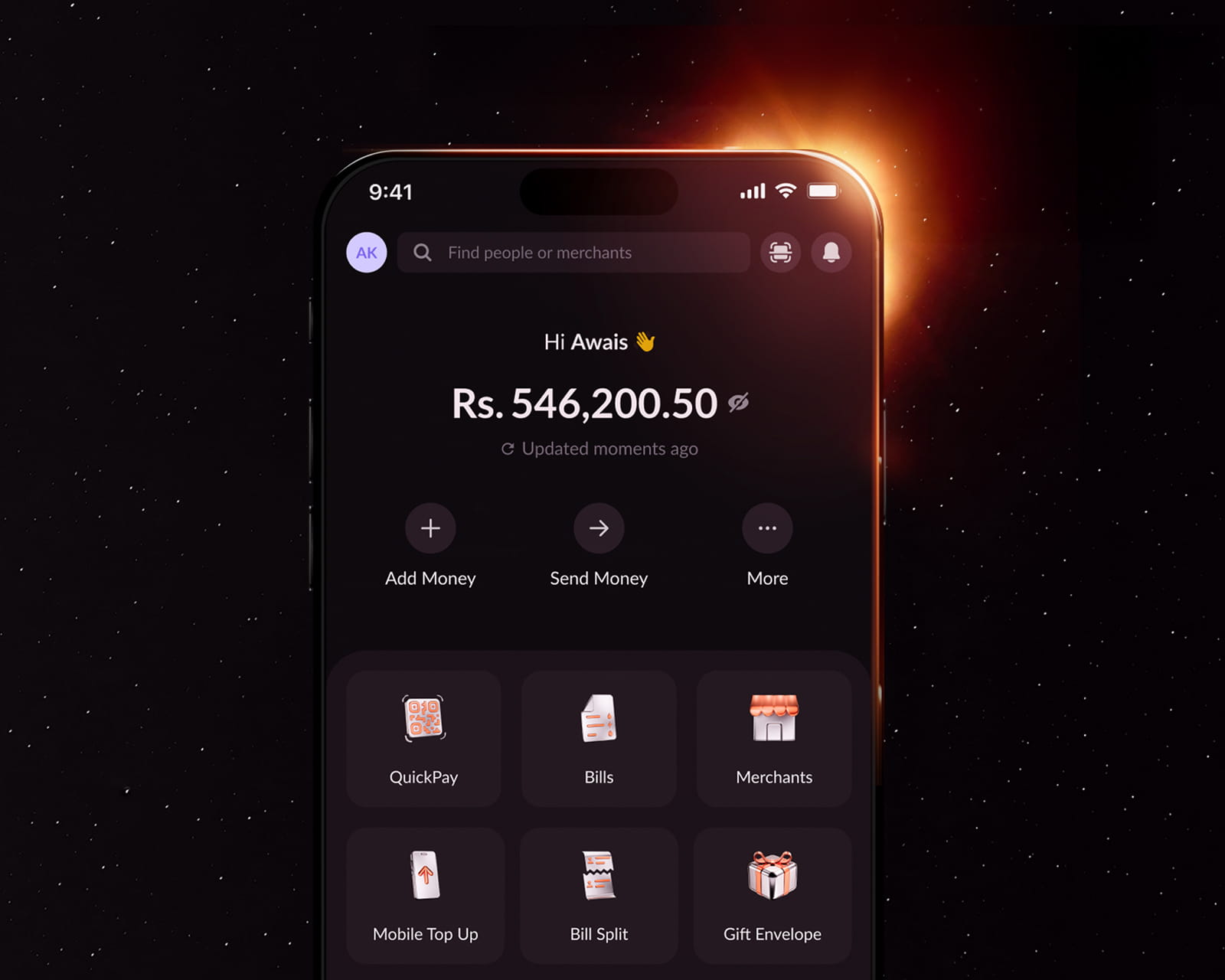
We were actually just building Dark Mode.
Turns out, black isn’t just… black.
Making Dark Mode sounds easy.
“Just make it dark.”
Right?
Not quite.
Because the moment you think you’ve nailed it, someone lowers their screen brightness and goes:
“That icon is too bright.”
So you tweak it.
Then someone else switches to maximum brightness.
“Now the text is too dim.”
So you tweak it again.
Then someone opens the app outside.
Then inside.
Then in a pitch-black room.
Then someone inevitably says,
“Can we use a lighter black?”
Multiply that conversation by about a thousand.
Here’s the thing.
Dark Mode isn’t just Light Mode wearing black.
Every screen had to be redesigned.
Every icon had to be checked.
Every, illustration, button and colour had to look right in every lighting condition.
Because if one button looked like a tiny flashlight at midnight…
…you’d definitely let us know.
The result?
A NayaPay that feels just as familiar.
Just a little cooler.
Built because you kept asking.
And asking.
…and asking.
Whether you’re checking your balance before bed, splitting the dinner bill, ordering food at an hour your parents would disapprove of, or simply one of those people who turns Dark Mode on when they wake up in the morning…
This one’s for you.
Ready?
Update to the latest version of NayaPay.
Head to Settings → App Appearance.
Pick Dark, Light, or let the app follow your phone’s system settings.
Thank you for never letting us forget about Dark Mode.
Seriously.
You didn’t.
Now, if you’ll excuse us…
We’re going to enjoy working with the lights back on.